
Role
Product Designer (UX/UI Designer)
Scope
Team
Me — Foundational UI components, UI audit
Allison Spillane — Mobile & advanced components
Sara Sailors — Engineering Lead
The Problem
As the platform grew, UI variations accumulated across components and interactions. Without a shared foundation, clinicians encountered a less predictable interface, while design and engineering faced ongoing rework.


The Solution
To improve design consistency and development velocity, I partnered with a teammate and engineering to build a scalable component library in Figma.
Rather than building a full design system upfront, we focused on foundational components that delivered immediate value and could scale over time, with naming conventions and implementation constraints aligned on from the start.
Defining
the Scope
ClinicianConnect had grown without a shared inventory of UI patterns, creating variation across workflows as the platform evolved. Because product direction was still evolving, introducing new components too early risked reinforcing patterns that might later change. The team and I decided to first document and structure existing UI patterns, creating a stable foundation before standardizing components.
Mapping
the Interface

Observed Variations
01
Default field
02
Required field + success feedback
03
Required field + success + help icon
04
Required field

Competitive
Analysis
Without an existing design system for the web platform, each team member independently evaluated Material Design and IBM Carbon to understand how mature systems organize components and documentation. After regrouping, we identified principles for a scalable UI library structure that supported the evolving product roadmap without overbuilding the system prematurely.


Audit:
UI Patterns
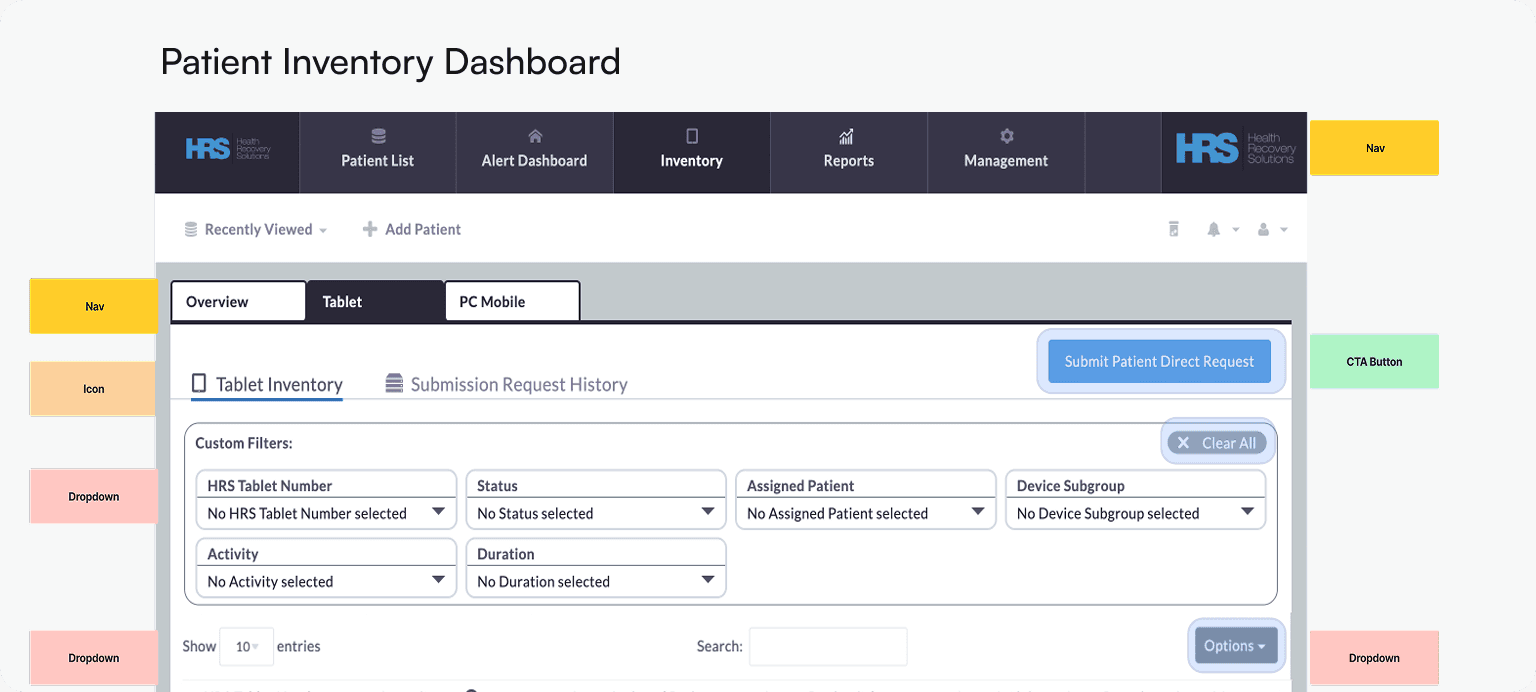
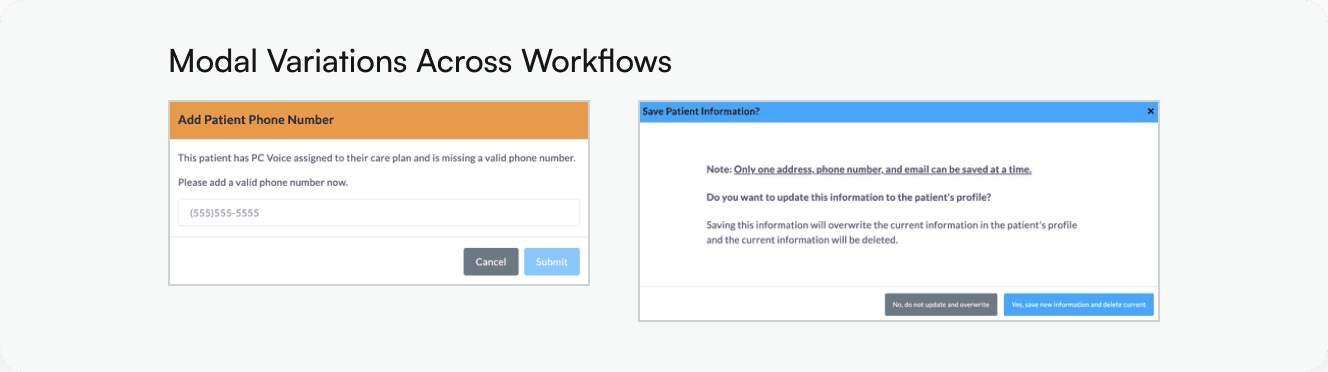
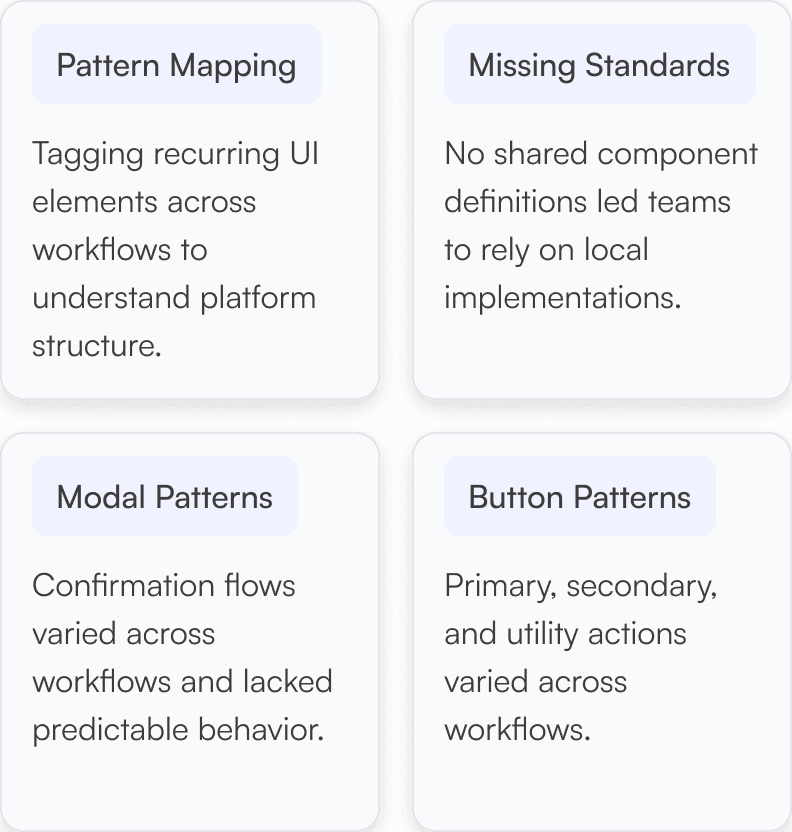
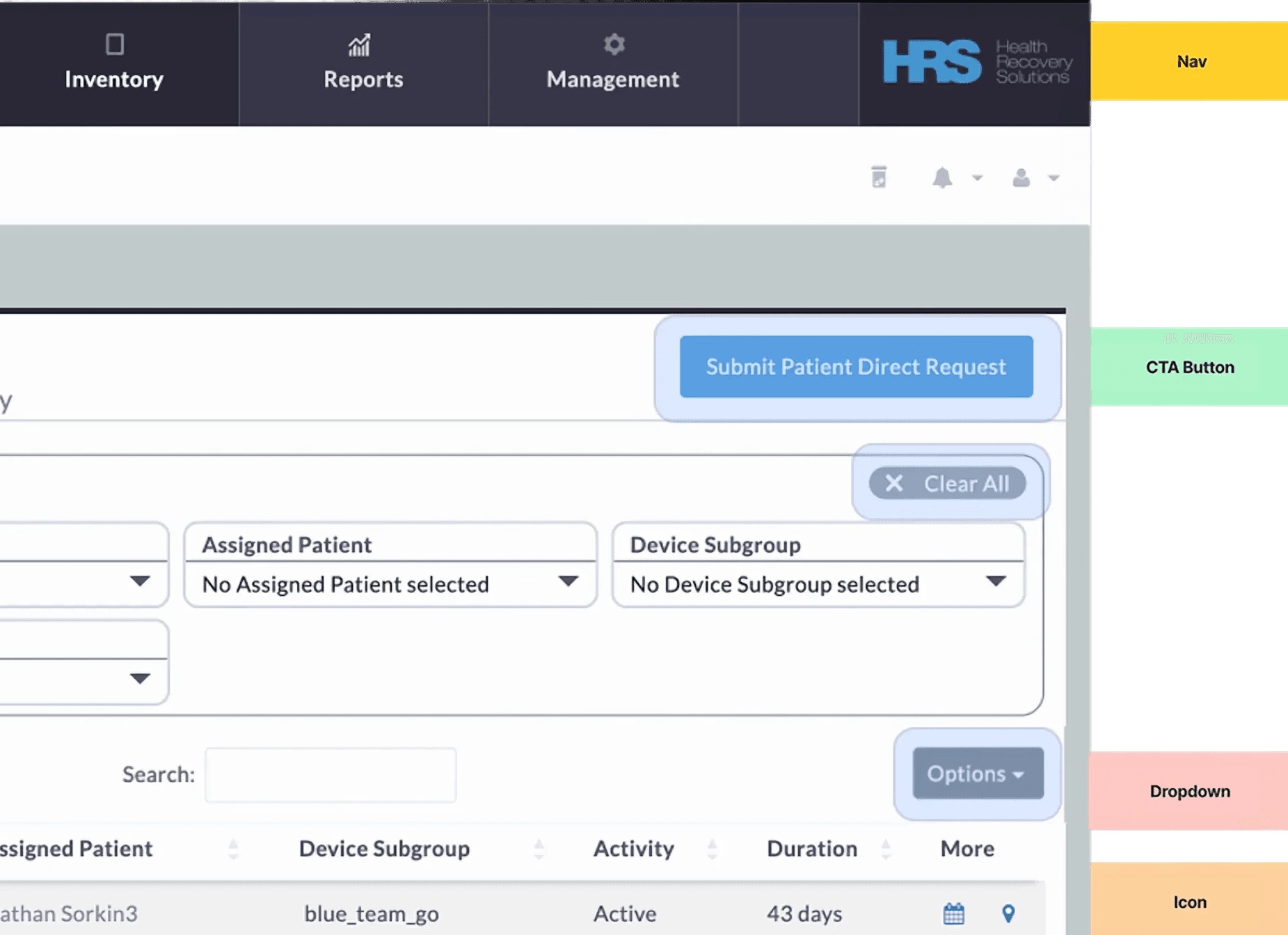
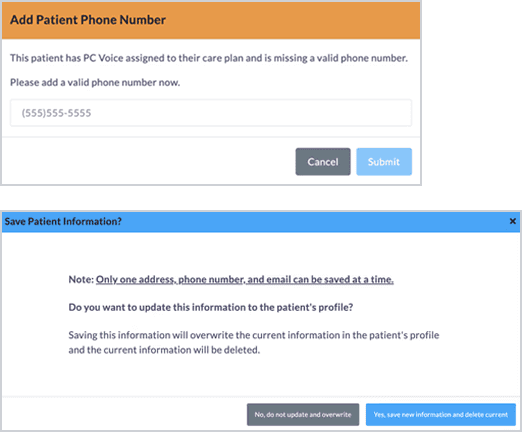
Next, I organized ClinicianConnect into key workflows and audited dozens of live screens, tagging UI components and inconsistencies across the product. The team consolidated the findings into a shared inventory that became the blueprint for the initial UI kit.


Building
the System
With the inventory complete, I started building the core components for the team’s UI kit. Following atomic design principles, I began with typography and spacing before moving into higher-variation interactive components. Along the way, I documented accessibility issues including missing focus states and insufficient color contrast.
I also co-developed a presentation for engineering and product teams, showing how consolidating component variations could reduce duplicate work over time.
Visual Foundations
Typography
ClinicianConnect
H1
22px/Semibold
ClinicianConnect
H2
16px/Bold
This UI Library was built to support
reusability across screens and teams
Body Paragraph
16px/Regular
Sizing and Spacing
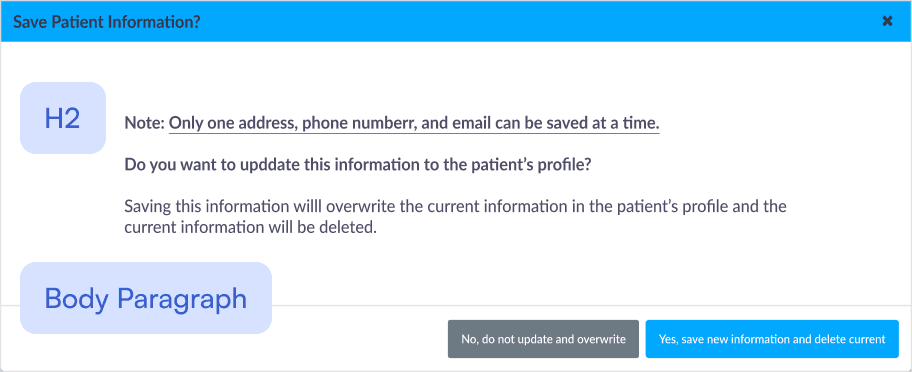
All component sizing should be in multiples of 8px or 4px, 8px is preferable. Consistent, standard, and scalable.
Example: System modal with real-world copy
Core Components
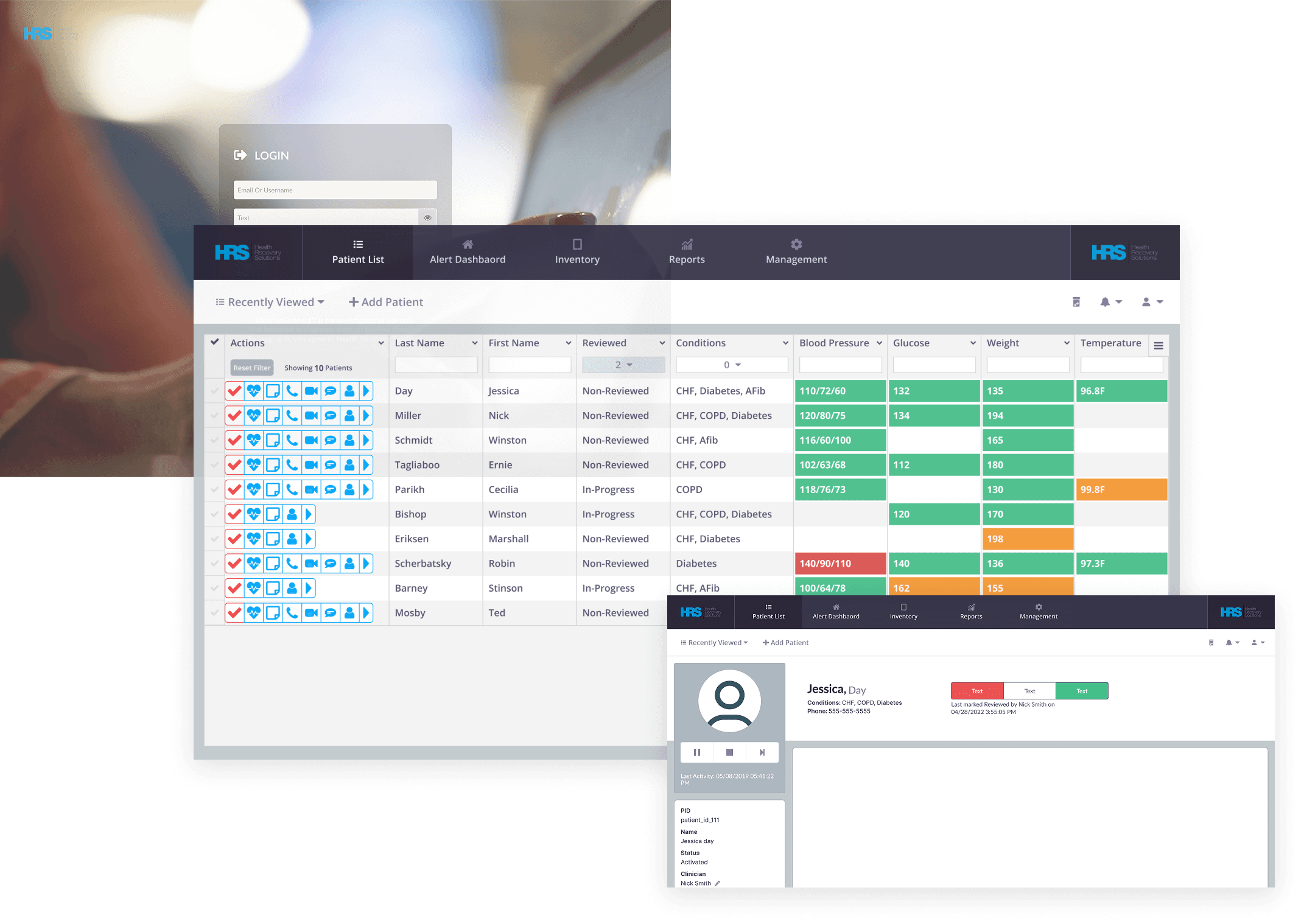
System in Context
40+
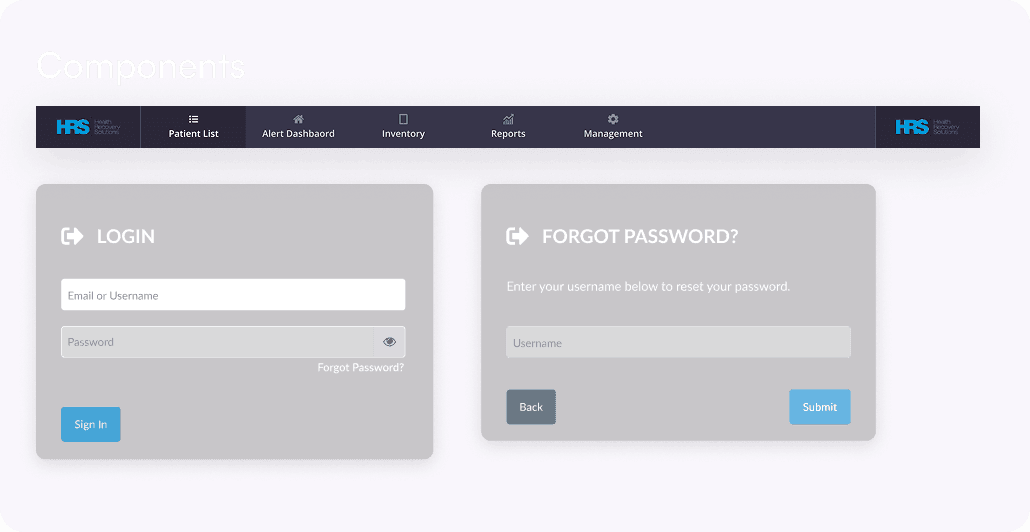
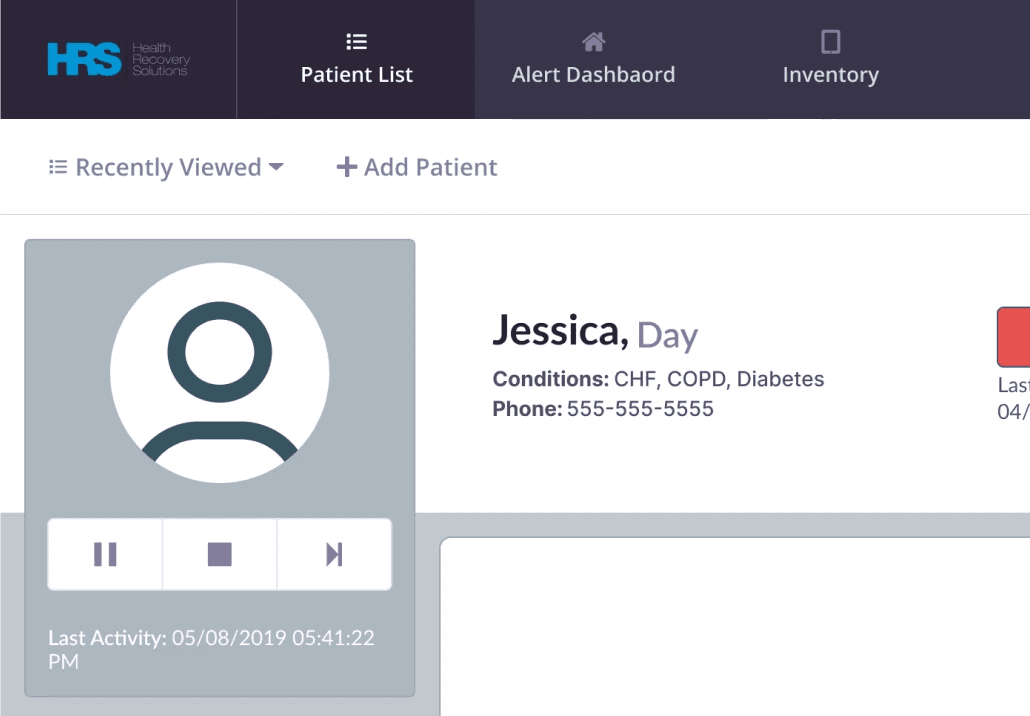
reusable components reduced variation across workflows



The
Outcome
The library became a shared source of truth for new feature work, making it easier for design and engineering to identify reusable patterns, reduce rework, and accelerate iteration.

Before
Fragmented component patterns
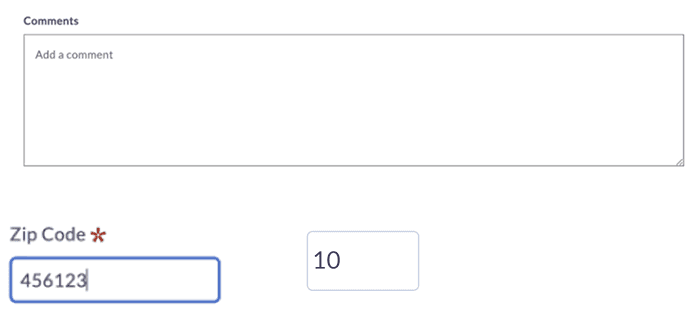
Inconsistent borders and spacing
No shared validation pattern
Different interaction patterns for similar inputs
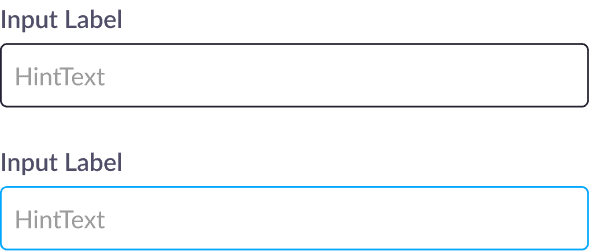
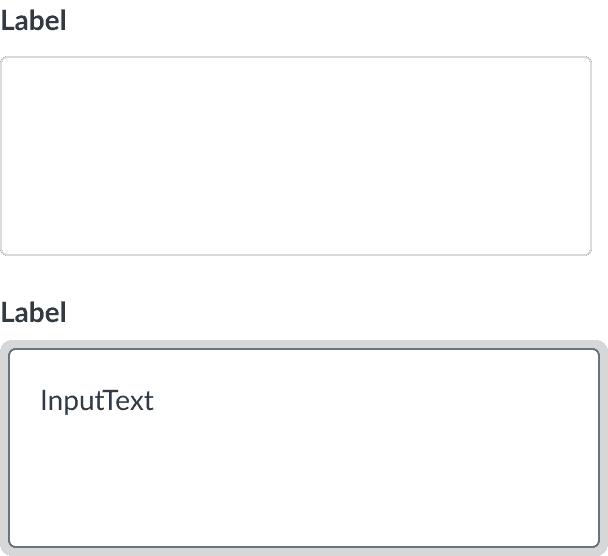
After
INPUT FIELDS
What’s Next
Before wrapping up my contribution, three priorities were identified for evolving the library into a more scalable system: